














18.08.2026
How Loyal Are Your Employees: Using eNPS Surveys to Calculate Employee Loyalty

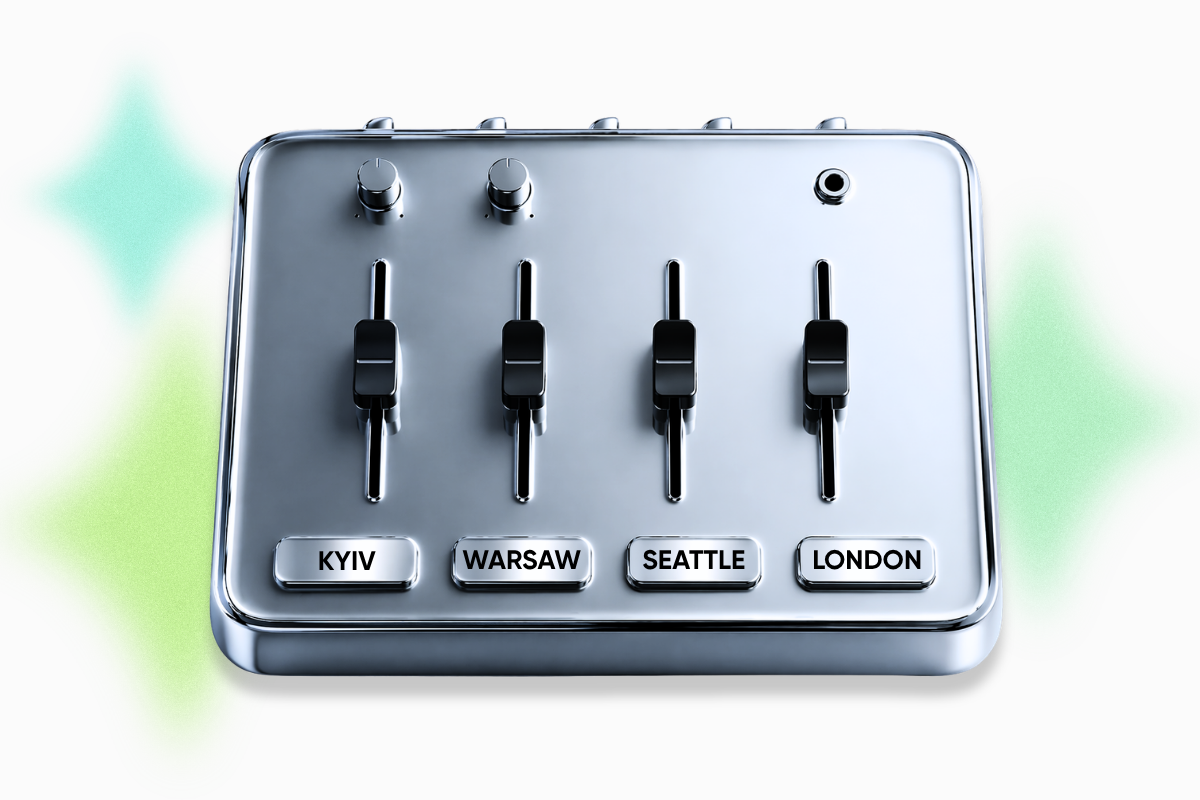
Somewhere in Warsaw, full-stack developers are wrapping up their workday. At the same time, their colleague in Seattle is just starting the morning. Meanwhile, the product manager in Bangkok is already a day ahead — waiting for a reply that was promised “tomorrow,” which has technically already arrived.
Distributed teams are a competitive advantage. But only if you know how to manage this orchestra. We’ve put together a guide on remote team management for managers who are tired of waking up at 6 a.m. for standups, putting out fires caused by lost tasks, and explaining the same thing in every time zone. Learn how to build asynchronous communication, understand overlap hours meaning, and find your overlap hours. Plus, discover which remote team management tools actually save your sanity.
One of the key distributed team challenges is daily standups, where half the team has just woken up or is already falling asleep — and everyone pretends that’s normal. From here comes the classic set of symptoms: communication challenges in remote team management, where people wait 12 hours for a short answer, decisions get blocked, and mental health declines in direct proportion to the number of time zones.
There’s one wrinkle nobody really talks about: discomfort isn’t shared equally. When HQ calls New York City home, and your developers are spread across Poland and the Philippines, “flexible hours” starts to feel like a one-way street. It usually means Polish colleagues sit in late meetings, while Filipino team members join early ones. This is a direct path to burnout and quiet quitting. The good news: all these managing distributed team challenges are actually solvable.
A distributed or remote team across different time zones is a separate operational model with its rules, where typical office reflexes — walking up to someone’s desk, catching a colleague by the coffee machine, solving things on the fly — simply don’t work. Instead, what helps are clear processes, a strong documentation culture, and the right stack of software for remote team management. Here are the best asynchronous work best practices:
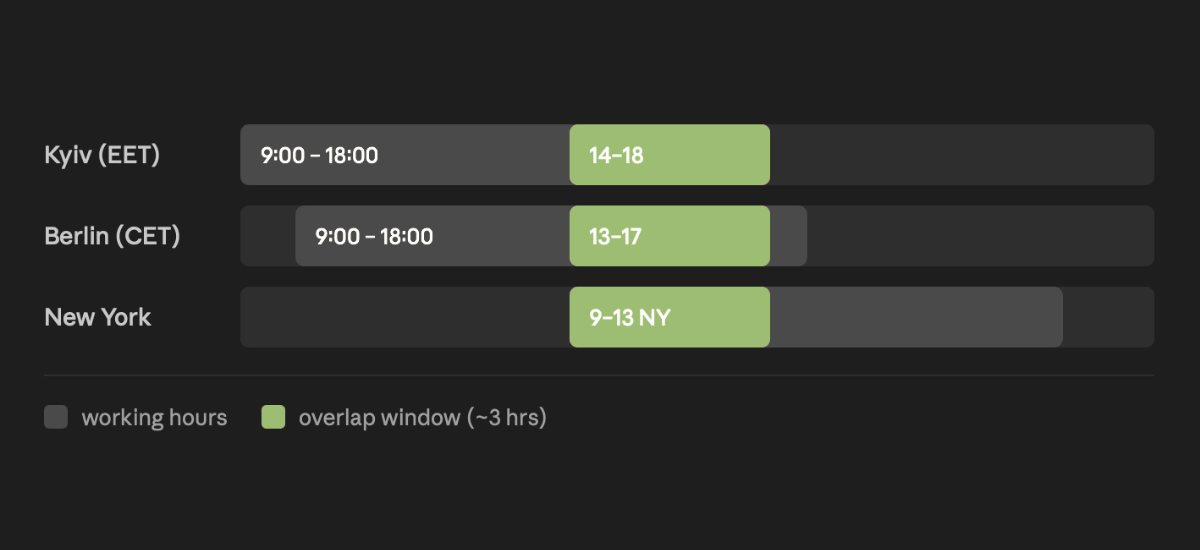
What should go into overlap hours? Brainstorming new ideas, resolving conflicts, discussing complex architectural decisions, and general demos. What should not go into overlap hours? Questions already answered in documentation and meetings where more than half the participants are passive observers.
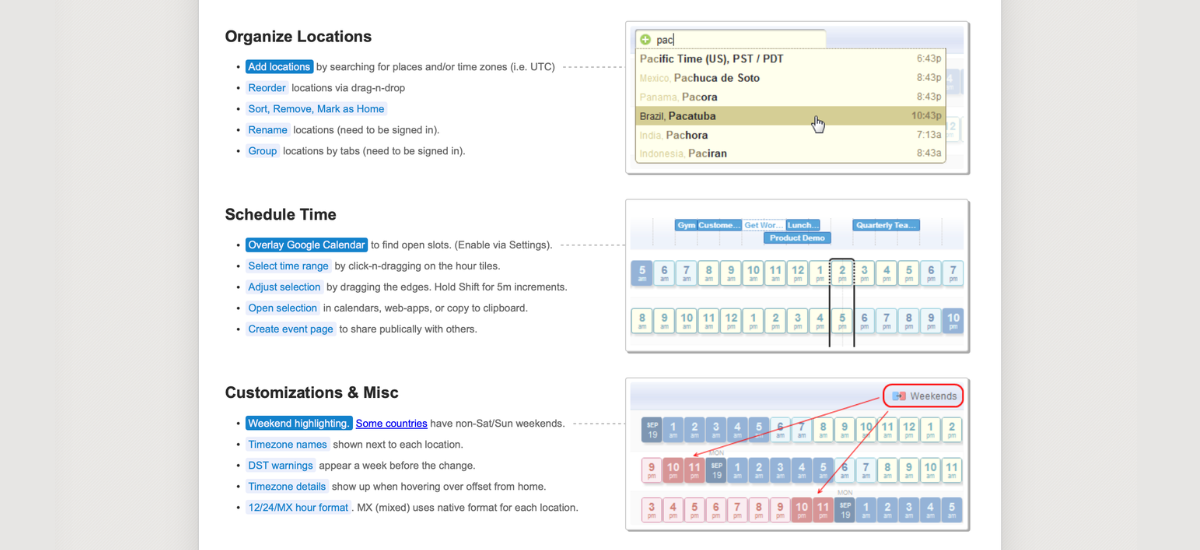
A separate case is teams with a very large time zone gap (for example, Poland + India + California). In this scenario, overlap hours should rotate so different parts of the team take turns handling inconvenient schedules. Tools like World Time Buddy and Timezone Planner help visualize working hours and overlap between cities, making remote team management tools essential for solving distributed team challenges.
Spoiler: if your processes are broken, no Notion or any other software for remote team management will save you. But with well-structured processes, the right remote team management tools significantly simplify life — for both managers and teams.
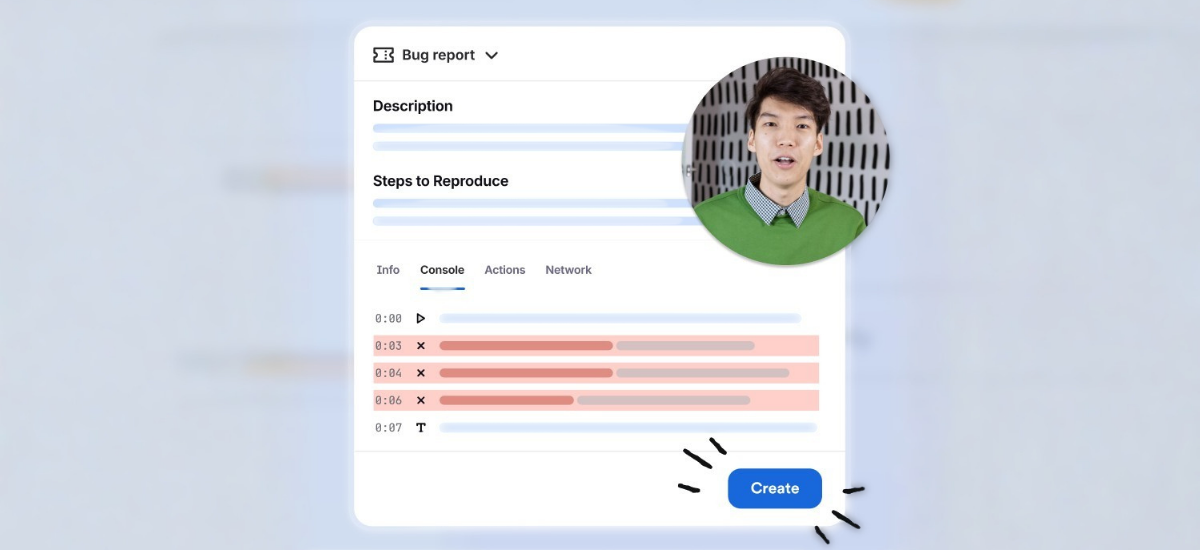
Video messages with screen recording. Replaces meetings like “explain how this works” or “could you review my work, please?” Perfect for code reviews, design feedback, onboarding, and explaining complex solutions.
Lifehacks. Store Loom recordings in your knowledge base. A new team member can watch them independently without distracting anyone. Set a limit: videos up to 5 minutes. If you can’t fit within that, it is a signal that the topic is too complex for video and needs documentation or a meeting. Use timestamped comments.
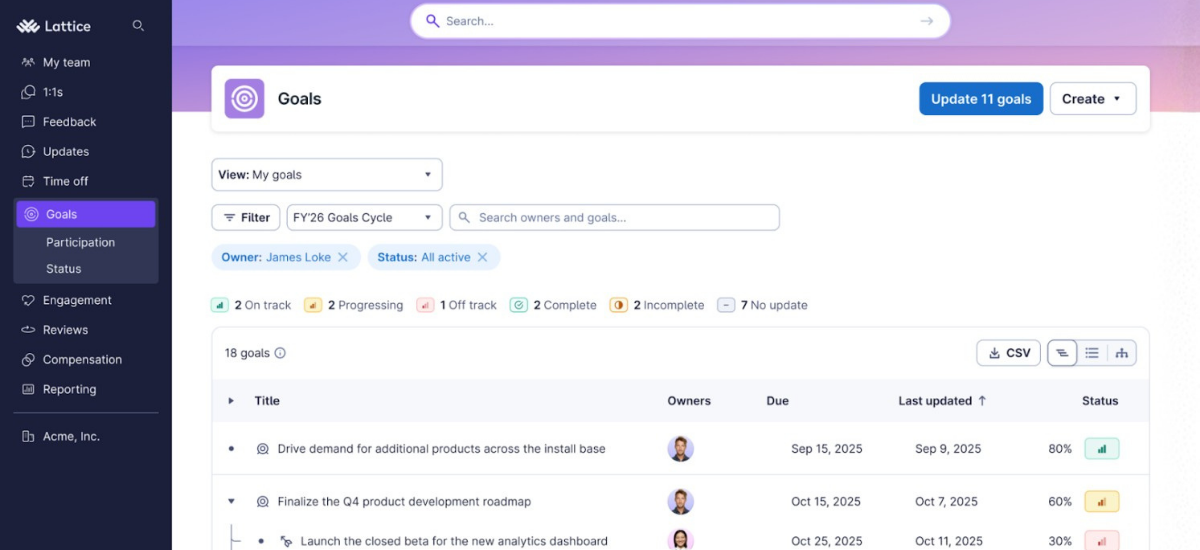
A performance management platform: OKRs, performance reviews, 1-on-1s, pulse surveys, 360° feedback. Useful when the team grows beyond 15–20 people and managers can no longer track everyone’s progress mentally or in Google Docs.
Lifehacks. Align each person’s OKRs with team and company goals, and review progress monthly instead of quarterly. Even better — bring OKRs directly into 1-on-1s to reduce the gap between “what I do” and “why it matters to the business.”
At the same time, use analytics not to evaluate individuals, but to identify patterns: look at trends and compare teams. This approach helps you manage distributed team workflows systematically instead of constantly firefighting individual cases.
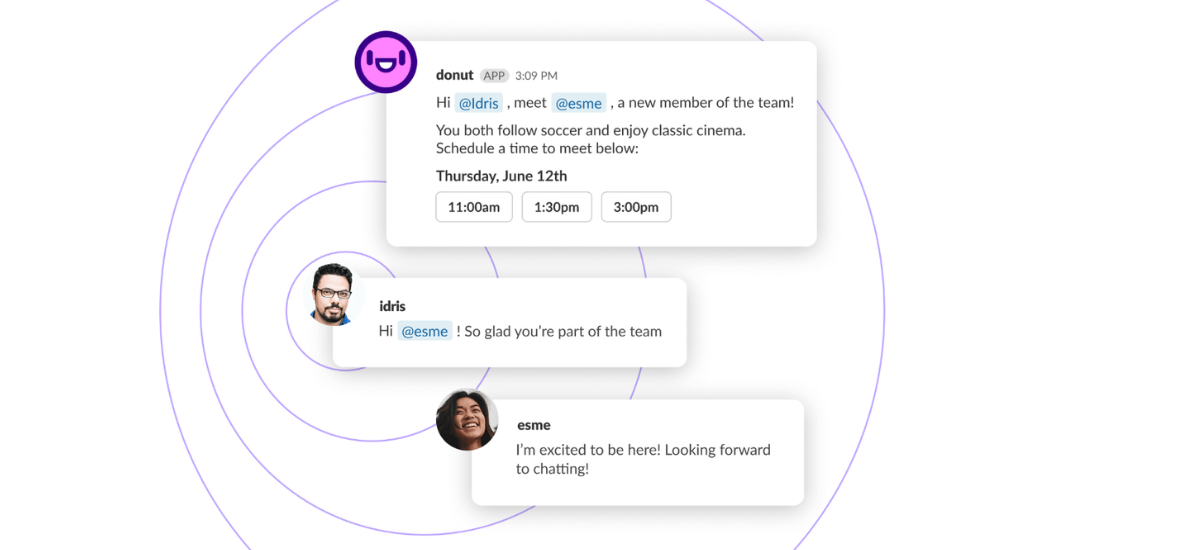
Donut (for Slack)
Organizes informal coffee chats between randomly selected team members. Use it if your team has more than 10 people and there is a risk people only know each other by names in tickets.
Lifehacks. Set up themed Donut channels: #donut-cross-team for cross-department connections and #donut-new-joiners for pairing newcomers with experienced teammates. Don’t make participation mandatory — voluntary participation improves conversation quality and strengthens distributed team communication.
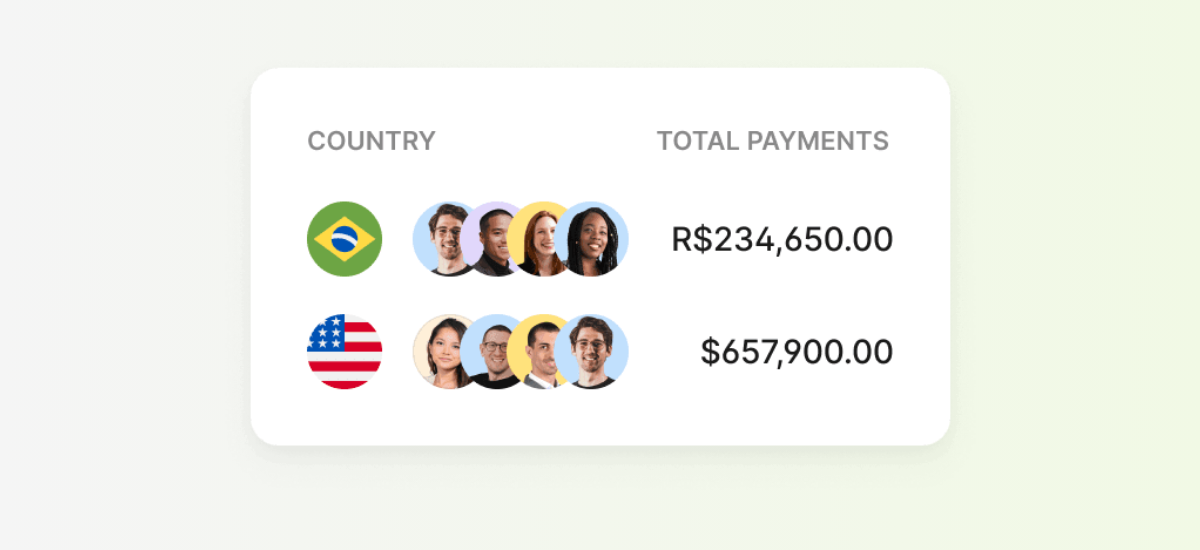
HR operations for international teams: managing contracts across jurisdictions, payroll in different countries, and compliance with local labor laws. This removes 90% of legal headaches. Especially useful when hiring your first employees abroad without having your infrastructure in those locations.
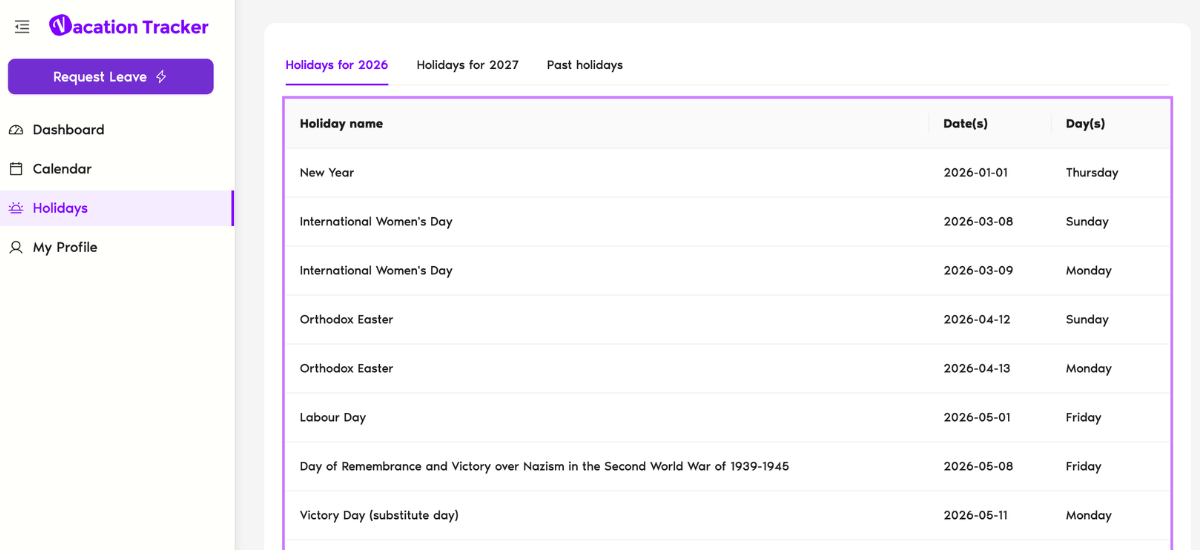
A platform for tracking vacations, days off, and sick leave with team reports and integrations with Slack and Microsoft Teams.
Lifehacks. Set up automatic notifications in your team’s Slack channel when someone takes time off. At the same time, define time-based request rules: for instance, vacations of one week or longer must be approved at least two weeks in advance.
Use department-level reports not only for HR but also for workload planning: if you see that half the team is off in August, it’s a signal not to set ambitious goals or tight deadlines. Also, configure public holidays by country, so colleagues understand availability.
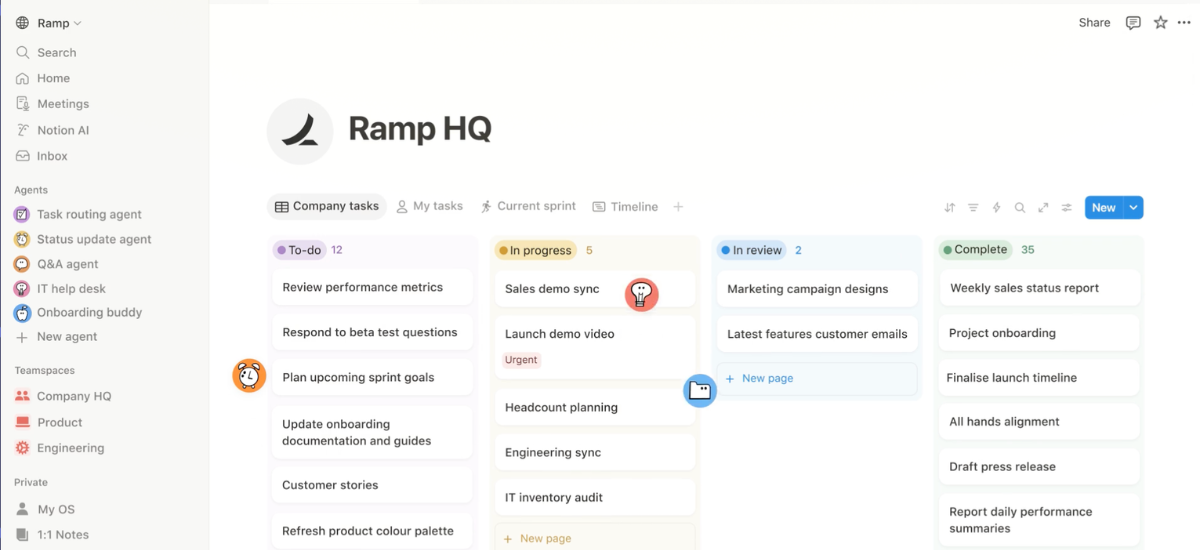
A single source of truth with flexible knowledge bases, team wikis, operational document libraries, OKR dashboards, and onboarding guides. Confluence is built around “Spaces” and integrates closely with Jira.
Lifehacks. In Notion, introduce a Company Handbook from day one: mission, values, how decisions are made, and what to do in the first week. New hires will appreciate it, and you won’t repeat yourself during every onboarding. Use a Database with an Owner property for key documents so responsibility for updates is always clear.
Create a “What’s new this week” page as a replacement for long weekly emails — people can read it at their convenience. Regularly run document audits — review outdated pages quarterly. Notion turns into a document graveyard when left unmanaged.
Link Jira issues directly in Confluence documents. Set up templates for RFCs and postmortems to standardize formats. Use page restrictions carefully — too many limitations kill the transparency culture that’s critical for managing distributed team environments.
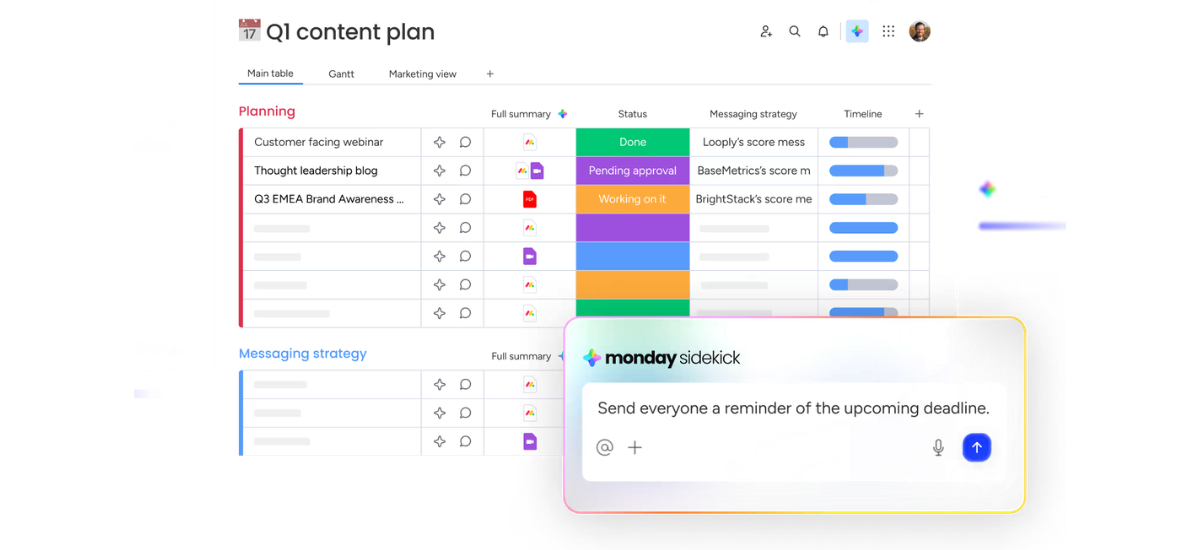
Flexible task trackers for large teams. Asana and Monday are better suited for remote team management across marketing, operations, HR, and sales. They are less technical and more visual compared to Jira, which is more tailored for engineering workflows.
Lifehacks. In Jira, use Epics as containers for user stories, but avoid more than two levels of hierarchy. Automate routine tasks using built-in Automation features, such as auto-assigning subtasks or triggering notifications on priority changes.
Portals and dashboards in Asana are a great way to give stakeholders visibility without access to internal tasks. They see project status without asking constantly “where are we now?” In Monday, use automations for reminders: if a deadline is in three days and the task is still “In Progress,” the owner gets pinged automatically. These tools are core to overcoming distributed team challenges.
World Time Buddy / Timezone.io
Timezone.io shows where team members are and their local time. World Time Buddy helps schedule meetings without the headache of conversions. It may seem small, but it saves 5–10 minutes of daily “what time is it at your location?”
Lifehacks. In World Time Buddy, save participant groups for recurring meetings: for example, a weekly standup with eight people across four time zones — one click and you instantly see a suitable time window.
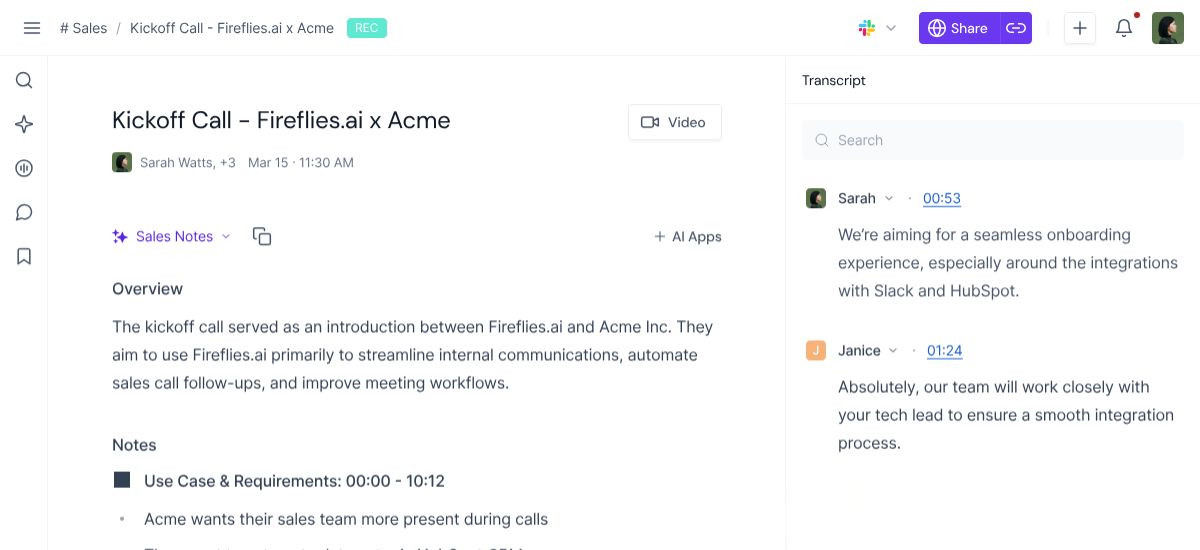
Automatically connect to calls (Zoom, Google Meet, Teams), record conversations, generate transcripts, and create summaries with key points, decisions, questions, and action items.
Lifehacks. Use speaker identification to see who said what or took ownership clearly. Timestamps and clips allow you to share only relevant parts instead of entire recordings. Organize meetings with folders and tags by project or client, turning them into a structured knowledge base and supporting asynchronous work best practices.
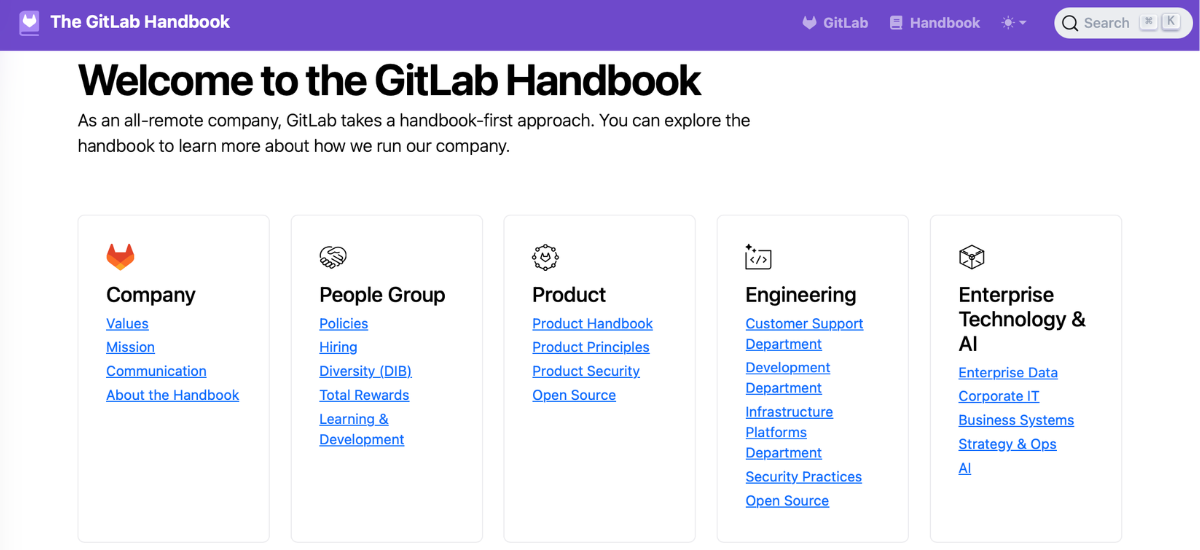
GitLab Handbook — handbook.gitlab.com
Documentation from a company with over 2,000 employees across 60+ countries that operates without a single office. GitLab made its internal handbook publicly available, and it’s probably the most valuable free resource on managing distributed team practices online. It covers everything: how they run performance reviews, onboard new employees, and build a culture without a physical workspace.
The biggest trap for managers in remote team management is continuing to measure engagement through visibility: who is online, who responds quickly, who shows up to meetings with their camera on. People start optimizing for the appearance of work rather than the actual work.
The real shift happens when you stop constantly asking, “what is my team doing right now?” and start asking, “does my team have everything they need to move forward without me for the next 48 hours?” This is where asynchronous work becomes practical, not theoretical.
Every team member should be able to wake up on a Monday and know exactly what’s on their plate, how their work fits into the bigger picture, and who to tap when they hit a roadblock. If even one of these three points requires your involvement as a manager, it’s time to rethink the system.


